PlacEdge - Work Place Management

Integrated Workplace Management System, Empower your team to book desks, manage meeting rooms, and request office services in seconds. Simplify workplace operations with a single, intuitive solution.

1. Desk Booking & Seating Management

  • Interactive Floor Maps: Visual, bird’s-eye view of the office for point-and-click booking.
  • Flexible Booking Models: Support for hot-desking (on-demand), hoteling (advance booking), and assigned seating.
  • Team Neighborhoods: Grouping desks into zones for specific departments (e.g., Marketing, Engineering).
  • Amenity Filtering: Search for desks with specific features (standing desk, dual monitors, window view).
  • Ghost Booking Protection: Automatic release of a desk if the user hasn't checked in within a set time.
  • Proximity Search: "Find a Teammate" feature to book a desk near a specific colleague.

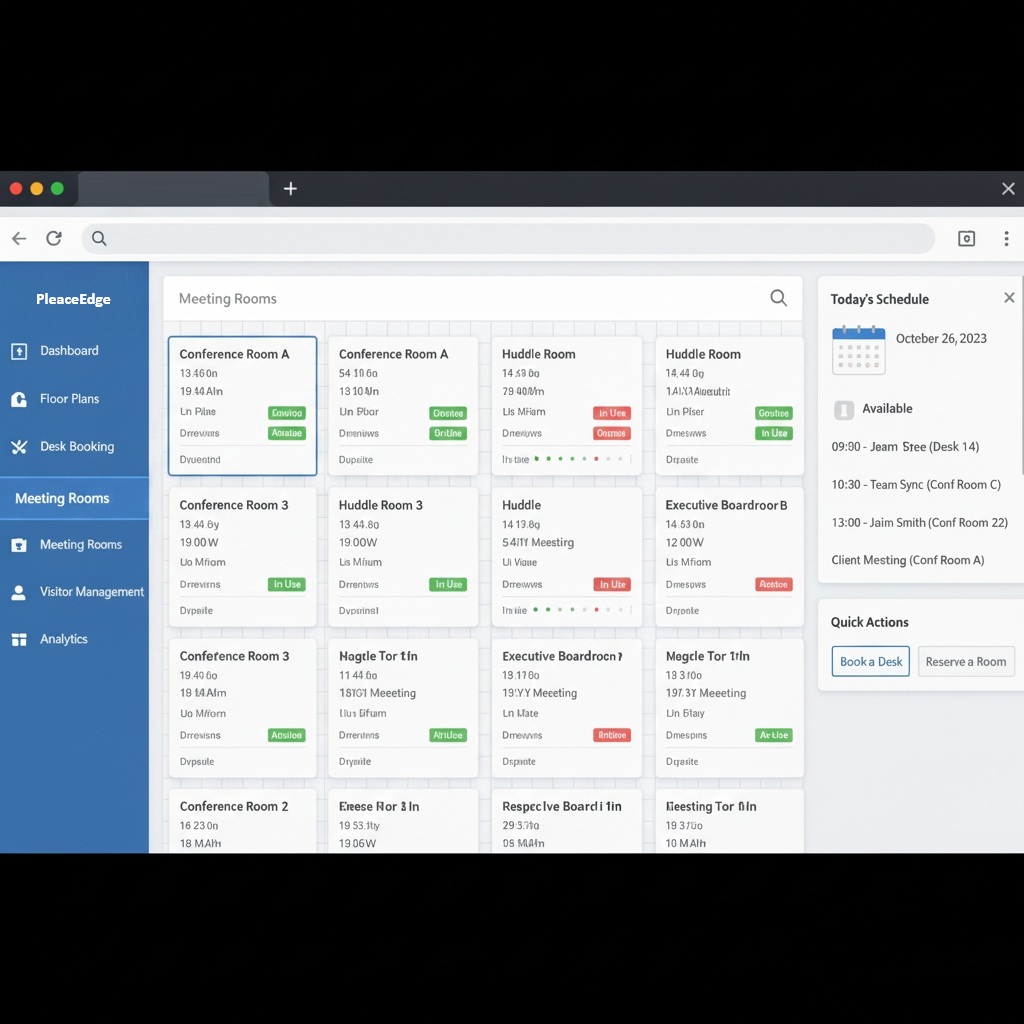
2. Meeting Room Booking

  • Smart Scheduling: Integration with Outlook and Google Calendar to prevent double-bookings.
  • Room Filtering: Filter by capacity, AV equipment, or ADA accessibility.
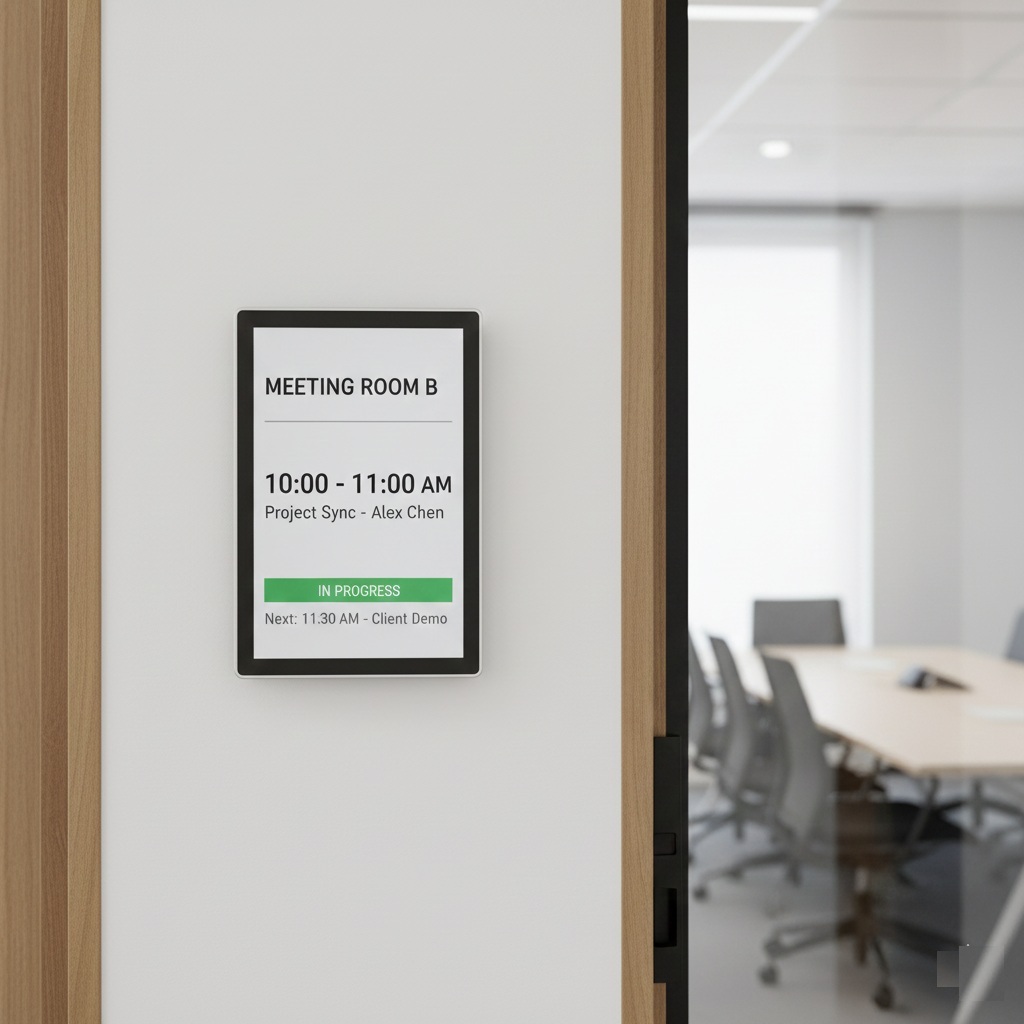
  • Ad-hoc Bookings: Book a room instantly via a tablet display outside the door.
  • Meeting Extension/Release: Extend an ongoing meeting or end it early to free the room for others.
  • Attendee Invitations: Automatically send calendar invites and video conferencing links (Zoom, Teams).
  • Catering & Setup Requests: Add lunch orders or specific room configurations (e.g., "Boardroom" vs "Workshop") to the booking.

3. Office Resource & Asset Booking

  • Shared Tech Pool: Booking for portable assets like laptops, projectors, chargers, or VR headsets.
  • Company Vehicles: Reservation system for corporate cars or shuttle services.
  • Parking Management: Assigned or bookable parking spots, including EV charging station filters.
  • Check-out/Check-in Logs: Full audit trail of who is currently in possession of a physical asset.
  • Asset Lifecycle Tracking: Monitor the age, warranty status, and condition of high-value equipment.

4. Office Supplies & Inventory Management

  • Digital Supply Catalog: A "shopping" experience for pens, paper, peripherals, and kitchen stock.
  • Low-Stock Alerts: Automated notifications to admins when supplies hit a minimum threshold.
  • Approval Gateways: Set spend limits that require manager approval before an order is placed.
  • Automated Reordering: Integration with vendors to restock items automatically.
  • Cost Center Allocation: Track which department is spending the most on supplies.

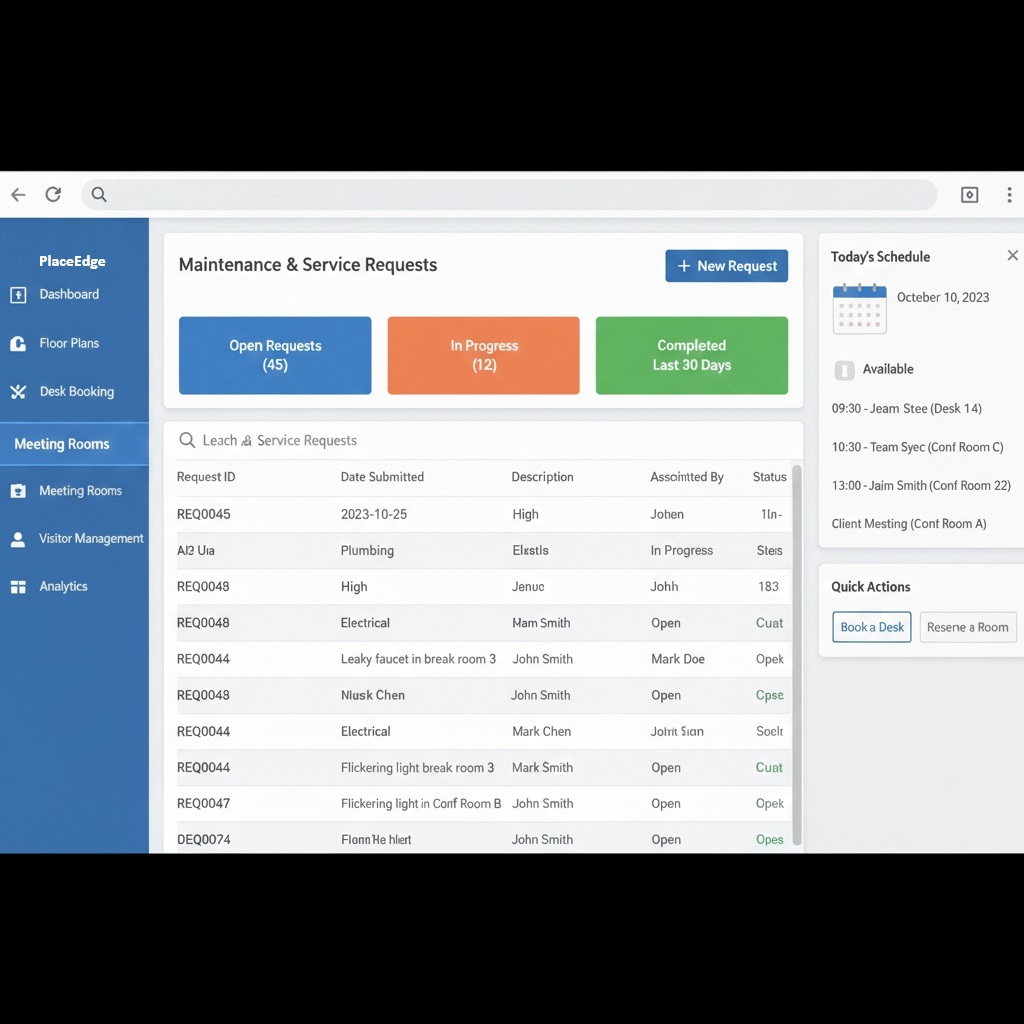
5. Maintenance & Service Requests

  • QR Code Ticketing: Scan a code on any desk or appliance to report a fault (e.g., "Coffee machine broken").
  • Work Order Management: Assign tasks to specific maintenance staff or external contractors.
  • Preventative Maintenance: Schedule recurring service checks for HVAC, elevators, and fire safety.
  • Status Tracking: Real-time push notifications to the reporter as the fix progresses.
  • SLA Management: Track how long it takes for tickets to be resolved against internal targets.

6. Access & Security Control

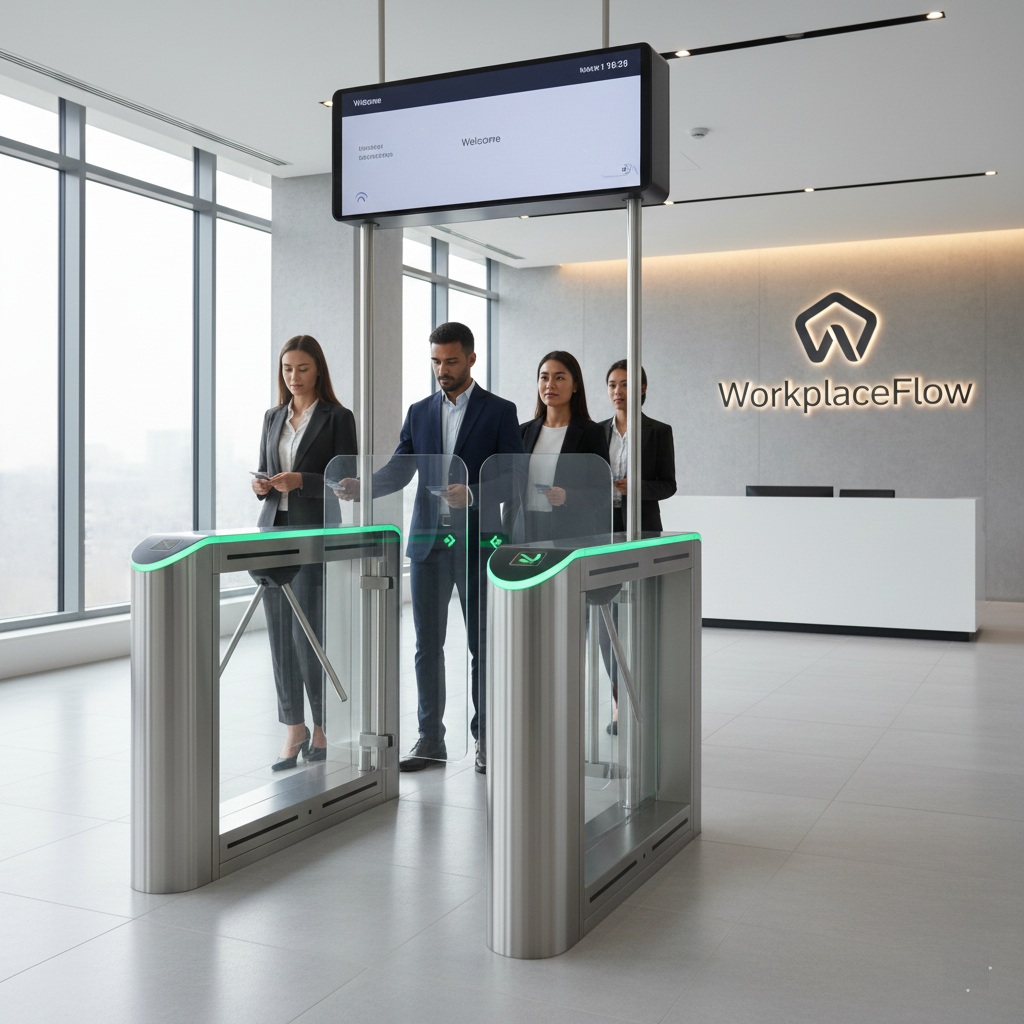
  • Remote Lock / Unlock: Open any door in the building instantly from a smartphone or desktop dashboard.
  • Custom Door Schedules: Set doors to automatically lock/unlock based on business hours, holidays, or special events.
  • Visitor Management: Send temporary digital "guest passes" via email or text that expire after a set time.
  • Threat Level Management: One-click "Lockdown" to secure all exits during an emergency, or "First Responder Mode" to grant instant access to police/fire services.
  • Anti-Passback: Prevents a user from "passing back" their badge to someone else by requiring an "out-swipe" before the next "in-swipe" is valid.
  • Global Lockdown/Unlock: Control multiple office locations worldwide from a single central interface.

7. Monitoring, Alarmin & Analytics

  • Real-Time Activity Feed: A live log of every entry, exit, and denied access attempt across the facility.
  • Audit Trails: Generate time-stamped reports for compliance audits (SOC2, HIPAA, GDPR) showing exactly who accessed sensitive areas.
  • Occupancy Tracking: Monitor in real-time how many people are in the building to comply with fire codes or manage "hot-desking" limits.
  • Anomaly Detection: Get AI-powered alerts if a badge is used at an unusual time (e.g., 3:00 AM) or if a door is propped open for too long.
  • Hardware Health Monitoring: Receive instant notifications if a controller goes offline or a smart lock battery is running low.

8. Administration & Strategy (The "Brain")

  • Utilization Analytics: Heatmaps showing which areas of the office are most (and least) used.
  • Occupancy Limits: Set maximum capacity per floor to comply with safety or fire codes.
  • User Permissions: Role-based access (e.g., only Executives can book the Boardroom).
  • SSO Integration: Secure login via Okta, Azure AD, or Google.
  • Environmental Insights: (Optional) Integration with IoT sensors to track CO2 levels, temperature, and light usage.

Ready to modernize your operations?

Contact us today for a free consultation. Our experts will analyze your needs and provide a tailored strategy to help you find the perfect solution for your organization.

Contact Us Now